
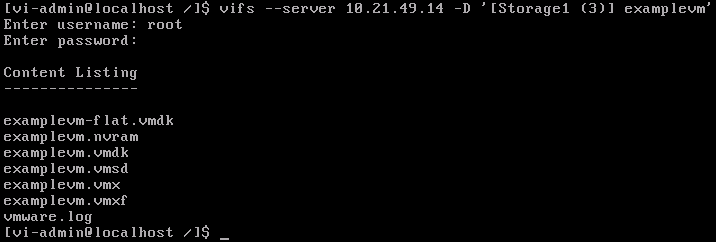
I had to do this when there is no vmotion available – Tested in ESXi 6.5
enable SSH on your ESXi host
Use Putty or something similar to connect to the ESXi host
- Run the following commands (in italics)
- cd /vmfs/volumes/<datastore name> ie if the datastore containing the VM is named datastore1 then you would run cd /vmfs/volumes/datastore1
- Next run ls to check that the VM folder is there
- Rename the folder using mv <oldVMFoldername> <newVMFoldername>
- Change into the folder with cd <NewVMFoldername>
- Rename the nvram, vmsd, vmx and <VMname-xxxx.hlog> files by running mv again ie
- mv oldname.nvram newname.nvram
- mv oldname.vmsd newname.vmsd
- mv oldname.vmx newname.vmx
- mv oldname-1234.hlog newname-1234.hlog
- Rename the vmdk file with vmkfstools -E oldname.vmdk newname.vmdk
- Edit the vmx file with vi newname.vmx
- Change the references from oldname to newname within this file
- Register the VM with the ESXi server and it should power on ok